Features
During normal editing and export, original and edited images are not uploaded to the server.
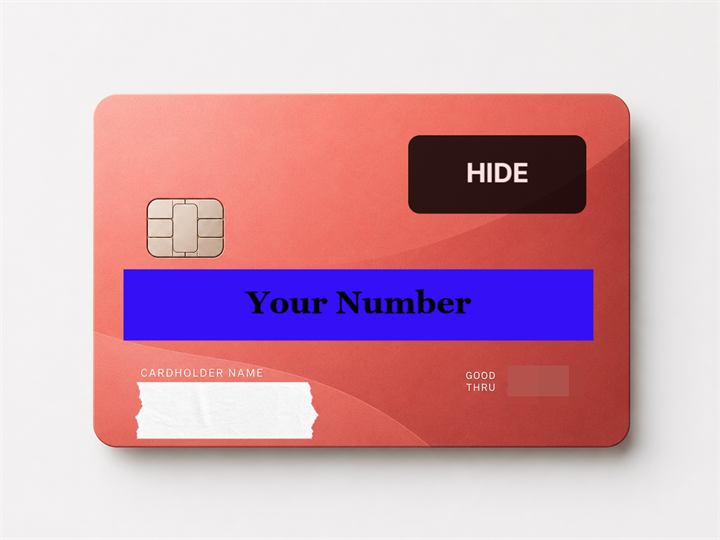
First, cover normally
Use solid covers for names, addresses, order numbers, and QR codes.

Hide with Style
Use masking tape, memo covers, and ink covers for unreleased parts.
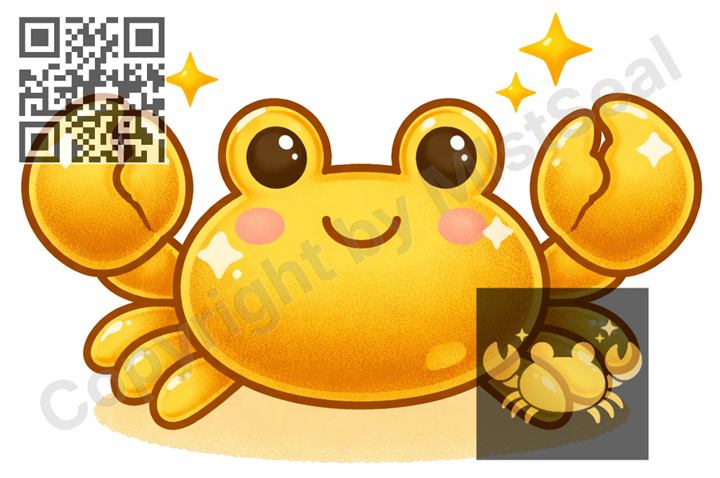
Add Text, Watermarks, Logos, and QR Codes
Add creator names, shop names, URLs, and notes to images.
- Tiled watermarks
- Multiple logo image layers
Adjust Export and Batch Process
Export as JPG, PNG, or WebP, adjust quality, resize output, apply the same settings to multiple images, and save as ZIP.
Batch processing scales the first image's layer layout to each image size. If aspect ratios or compositions differ, covered areas may shift.
- Batch apply to multiple images
- ZIP export
- WebP export
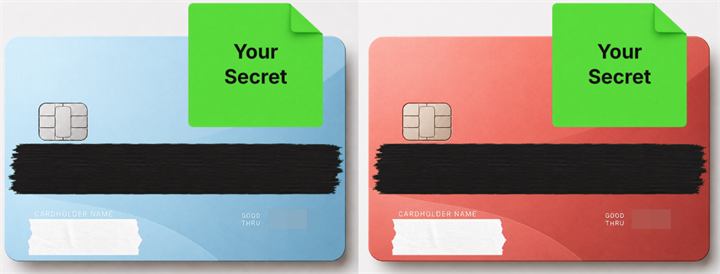
Save Editing Settings
Save editing settings so future edits are easier to repeat.
- More saved presets
- Premium preset sync
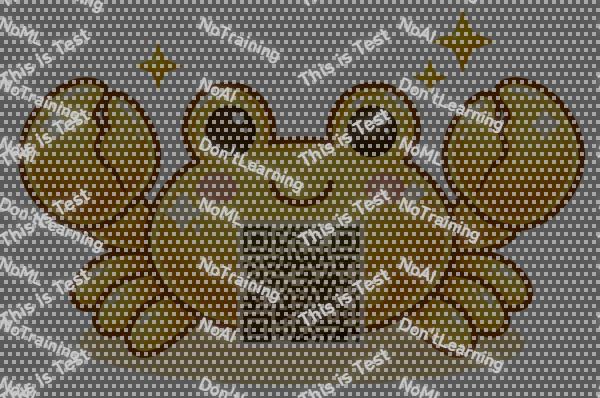
Metadata and AI-Training Deterrents
Handle EXIF removal, NoAI metadata, subtle noise, and grid patterns as AI-training deterrents.
These do not guarantee complete prevention. Use them as deterrents only.
- EXIF removal
- NoAI metadata
- Noise and grid patterns
Start with one image.
Hide, watermark, and save in the browser.
MistSeal does not completely prevent reposting or AI use.