Add Text, Watermarks, Logos, and QR Codes
Add text, watermarks, logos, and QR codes to images
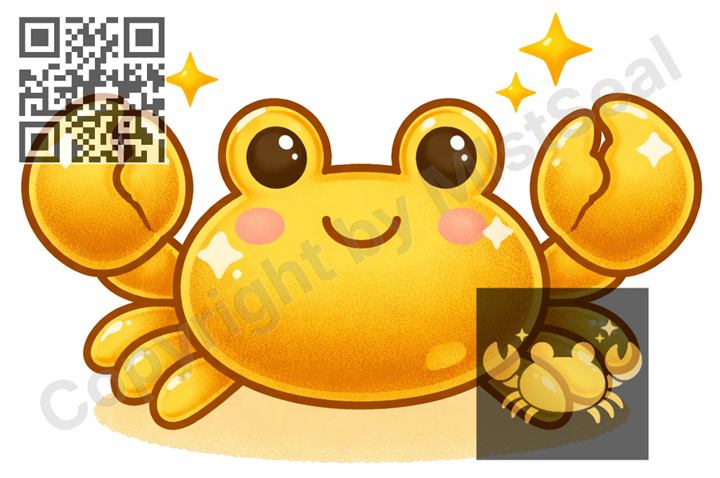
Text
Add any text you want to the image, such as a creator name, shop name, URL, or notice. You can adjust the font, color, size, and background band. Vertical text orientation is also supported.
Watermark
Overlay faint text or repeat a logo in a tile pattern across the image. Useful for adding authorship information without covering the main subject. You can adjust the size and watermark strength. Watermark position adjustment is also available (Premium only).
Logo Image
Insert a logo image you have prepared directly onto the canvas. If it is too large, it will be scaled down automatically to fit within the canvas. Opacity adjustment is also available.
QR Code
Enter a URL or text and a QR code is generated and embedded into the image automatically. Useful for linking to a product page or social media profile. Opacity adjustment is also available.
Edit an Image
Use Easy Mode for quick hiding, or Advanced Mode for detailed layers, logos, and export settings.