
 1
1
Open an image
Choose the image you want to edit on desktop or mobile.
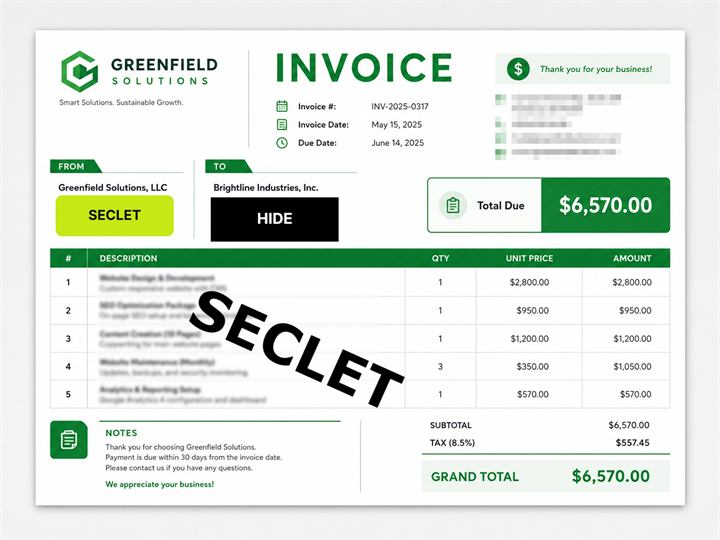
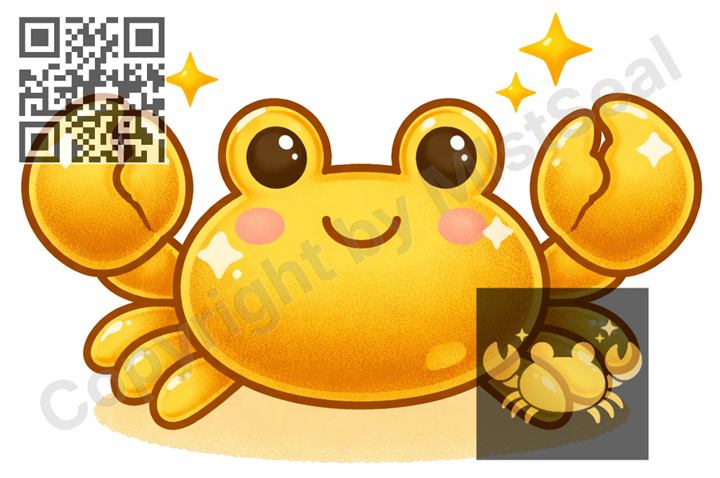
Cover private information, add watermarks, logos, and QR codes to artwork or product photos, and use tape or memo-style covers for a cleaner preview. Your image files are not saved on the server during editing.
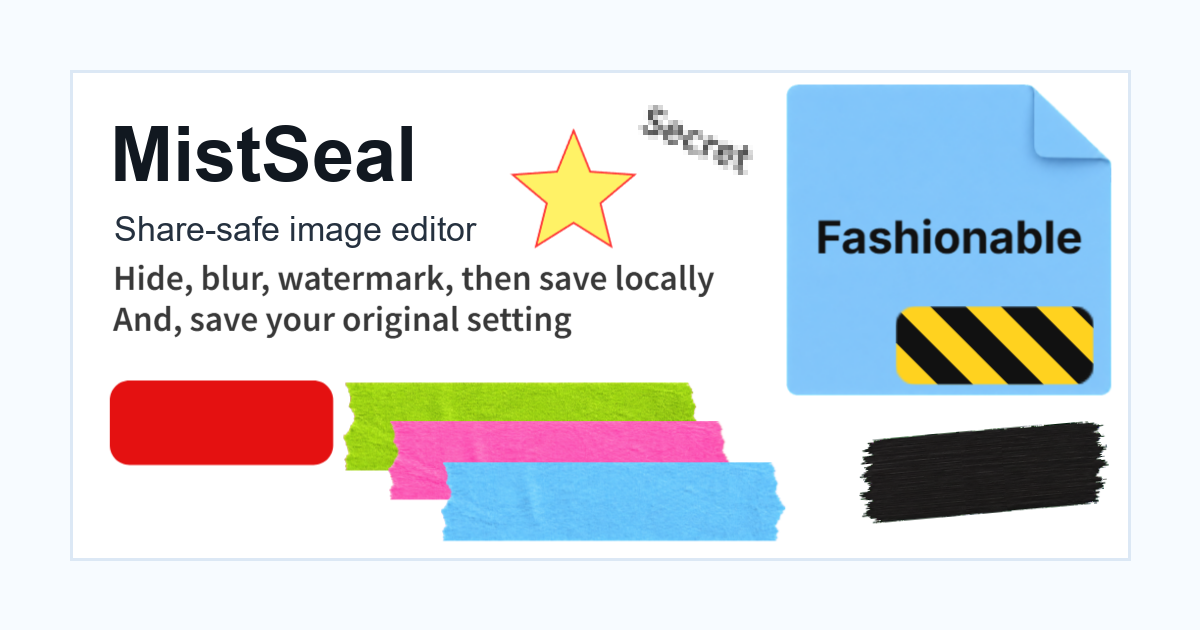
Save watermark, logo, and cover settings, then apply them to multiple images.
Once a preset is saved, you can reopen the same editing setup for another image. You can also export multiple images at once with Premium.
Use solid covers, mosaic, or blur for areas you do not want to show.
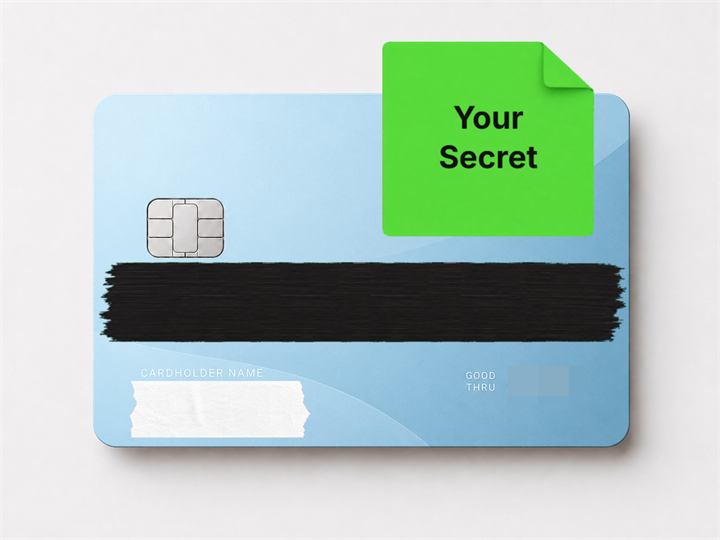
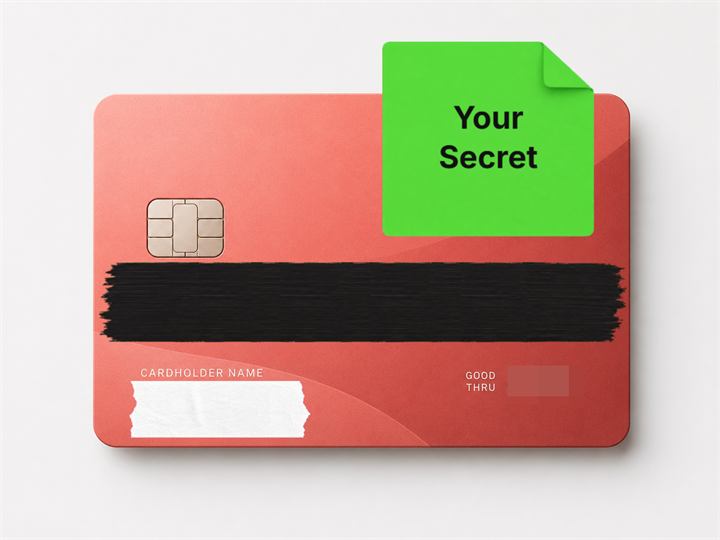
Use masking tape, memo-style covers, and ink covers for a cleaner look.
Add custom text or a logo image you prepared.
Reuse similar covers or watermarks across multiple images.
Edit without sending original or exported images to the server during normal use.
Add creator names, shop names, or project names as visible or faint watermarks.
Use subtle noise or grid patterns as a deterrent, without relying on them as complete protection.
1
Choose the image you want to edit on desktop or mobile.
 2
2
On desktop, use the side panels; on mobile, use the bottom-right add menu to place the layers you need.
 3
3
Check the preview and export as JPG or PNG to your device.
MistSeal is designed not to save original or edited images on the server. When you log in, synced data is limited to editing rules such as preset settings.
Open the image on your device, edit it in the browser, then save it back to your device.
They are not saved during normal editing and export.
Basic editing and saving can be used without logging in.
Editing one image at a time is free. Batch application to multiple images and ZIP export are Premium features.