Save Editing Settings
Use presets and sync to repeat edits faster
Save Settings
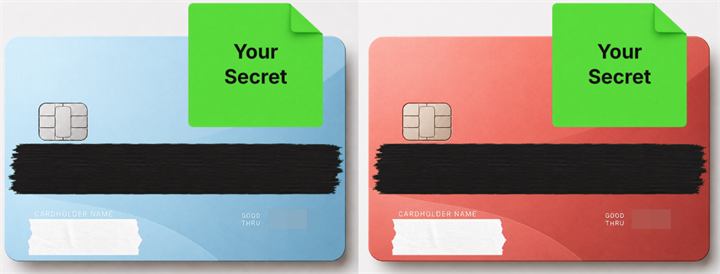
Save all your processing layer settings—such as text (font, size, color, position), logos (size, position), and cover styles (size, type of tape/memo)—as a preset.
Load Settings
Select a saved preset to instantly reproduce the same layer layout when you open a new image. This saves you the trouble of adjusting coordinates every time.
※ Non-Premium users can save one preset locally (on-device only).
※ If the image size differs from the original, layer positions may shift.
Cloud Sync
With the Premium plan, your saved presets are automatically synchronized to the cloud. You can create a preset on your PC and use it on your smartphone browser.
Edit an Image
Use Easy Mode for quick hiding, or Advanced Mode for detailed layers, logos, and export settings.