Can I erase personal information with Google Photo's eraser magic? Notes on image processing
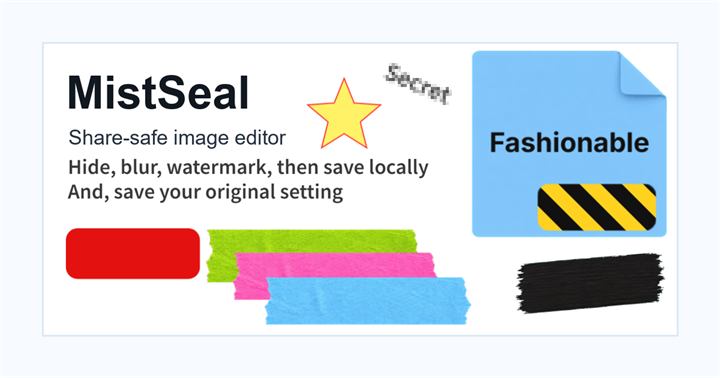
Google Photo's eraser magic is useful for image editing to make unnecessary objects in the background less noticeable. However, the purpose is different from "reliably concealing personal information." Eraser Magic generates and corrects the surrounding background, so even if you intend to erase letters or numbers, unnatural marks or patterns that look like other letters may remain.
Scenes where eraser magic is suitable
This is suitable for processing things like passersby in the background, unnecessary objects on a desk, or parts of distant billboards to improve the look of the photo. Select the photo you want to edit, tap, encircle, or brush over the target area from Edit to try out the suggested erasing tools.
Things to note when hiding personal information
It is safer to cover address, name, phone number, order number, account information, QR code, and information on the login screen with an opaque cover than to "erase" it with AI. The erasing process can cause problems such as parts of the original text remaining even if the background appears blended, or meaningful information changing before and after editing.
Order for safe sharing
First, crop out unnecessary areas, then cover up any information that will never be shown with shapes or markup. After that, if you use an eraser magic to make the photo easier to see, the roles will not be mixed up. While AI image processing is useful, it is safe to assume that it cannot replace privacy processing.
What to check after using Can I erase personal information with Google Photo's eraser magic? Notes on image processing
The main risk is leaving a small edge of text, a number, or a code visible after editing. When using Can I erase personal information with Google Photo's eraser magic? Notes on image processing, make the edited area slightly larger than the target and open the exported file once before posting.
When using Can I erase personal information with Google Photo's eraser magic? Notes on image processing, treat visual softening and redaction as separate jobs. For Can I erase personal information with Google Photo's eraser magic? Notes on image processing, blur or mosaic can reduce detail, but sensitive text and codes are easier to check with an opaque cover.
Frequently asked questions
If I erase the text with eraser magic, will it become completely invisible?
Even if it appears to have disappeared, it cannot be guaranteed that it is a process that hides personal information. It is safer to cover addresses and numbers with an opaque cover even after erasing them.
Why can't I use Eraser Magic in Google Photos?
The availability of editing tools may vary depending on the device, OS, account, terms of use, etc. If you don't see it, choose standard markup or another image processing method.
Edit an Image
Use Easy Mode for quick hiding, or Advanced Mode for detailed layers, logos, and export settings.